 Türkçe
 English
 Português
 Polski
 Español
 Magyar
 Deutsch
AI Song Editor: Replace Only the Part You Don’t Like
Replace Section is a Song Go AI editing tool that regenerates the part of a song you select. Pick a range from 10 seconds up to half of the song, change the lyrics for that part if you want, and Song Go recreates only that section and blends it into the rest of the track. No need to start the whole song over.
How to Replace a Section of a Song
My library
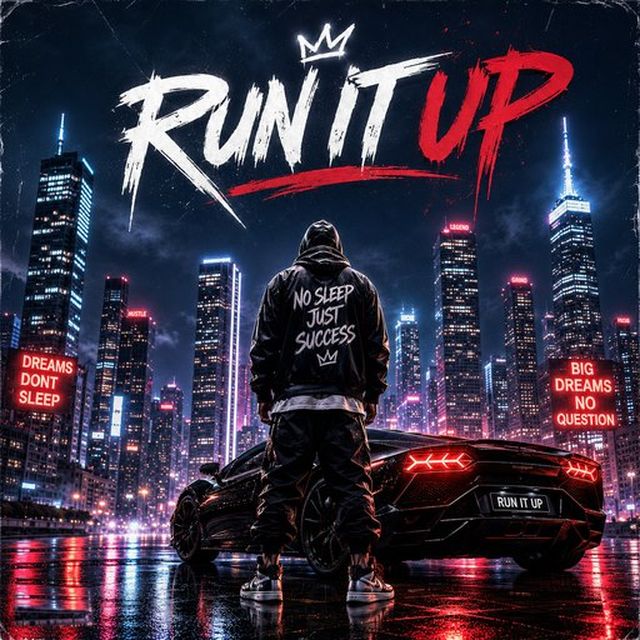
- Run It UpTrap · 2:57Picked
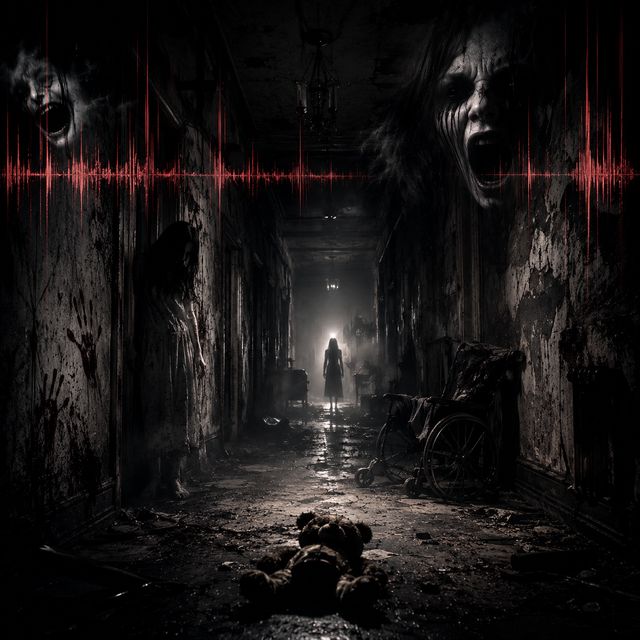
- The HallwayHorror score · 1:41Pick
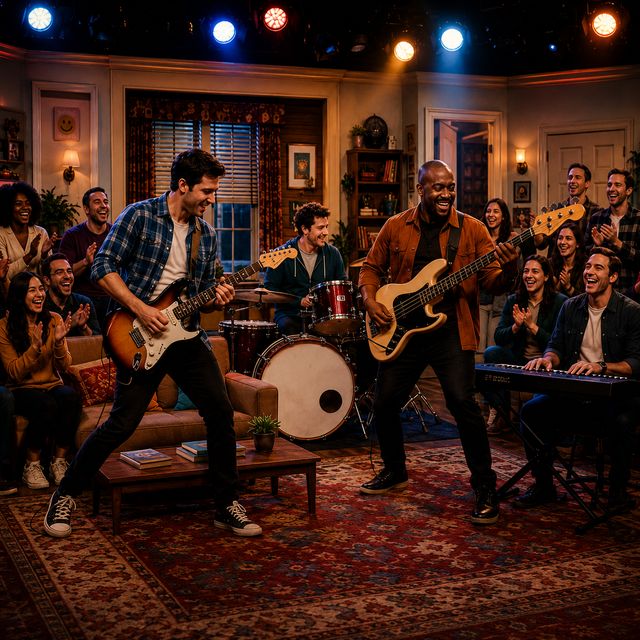
- Laugh TrackSitcom theme · 0:50Pick
Why Edit Songs with Song Go?
One flaw shouldn’t ruin it
A mispronounced name, a weak line or a clumsy transition is no reason to throw the whole song away.
Seamless blend
The new section joins what comes before and after in the same voice and tempo.
Change the lyrics too
Edit only the lines for that part; the lines you change are sung in the selected range.
Less AI Usage
Replacing a section costs 42 AI Usage, much less than creating a new song.
What Is Section Replacement For?
A mispronounced name
Select the few seconds where a name in a birthday song comes out wrong and fix only that.
A stronger chorus
If the chorus isn’t catchy enough, regenerate that range with new lyrics.
A personal line
Add a name, a date or an inside joke to a finished song and make it truly personal.
Rough transitions
Regenerate the few seconds where one section stumbles into the next and smooth out the flow.
Replace Section at a Glance
| Cost | 42 AI Usage per edit |
|---|---|
| Range | At least 10 seconds, at most half the song |
| Result | Two new versions, original kept |
| Works on | Songs you created in Song Go |
| Lyrics | You can change the lines for the selected part |
| Style | The song’s style is kept; you can describe a new one |
Last updated:
AI Song Editor FAQ
Can AI change just one part of a song?
Yes. With Replace a section in Song Go you select a part between 10 seconds and half of the song and regenerate only that; the rest stays the same.
How much AI Usage does replacing a section cost?
Each edit costs 42 AI Usage and gives you two versions.
What happens when I change the lyrics?
The lines you change or add are sung within the range you selected. If you don’t change anything, the same lyrics are performed again in a new take.
Why do I need to select at least 10 seconds?
In a very short range the AI has no room to blend the new part naturally with what surrounds it. For changes longer than half the song, creating a new song works better.
Can I edit a song I uploaded or took from YouTube?
No, this tool works on songs you created in Song Go. To restyle an uploaded song, use Change Style.
More tools
Extend Song
Continue your song from any second
Explore →Music Video
Turn your song into a share-ready video
Explore →Persona
Keep a voice and style across new songs
Explore →
AI Song
Turn one sentence or your own lyrics into a full song with vocals.
Explore →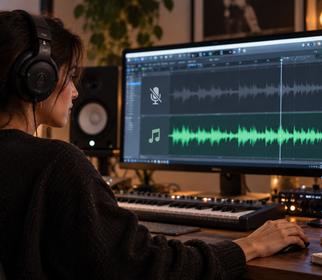
Vocal Remover
Split any song into vocals and music, or into 6 instrument stems.
Explore →
Karaoke
Turn any song into karaoke with word-by-word synced lyrics.
Explore →
Change Style
Keep the melody, change the genre and the vibe.
Explore →
Add Vocals & Music
Add AI vocals to your instrumental, or music to your vocals.
Explore →A Few Seconds from Perfect?
Select the part you don’t like and regenerate just that, while the rest of the song stays exactly as it is.
Start free