 Türkçe
 English
 Português
 Polski
 Español
 Magyar
 Deutsch

AI Music Video Generator: Turn Your Song into a Shareable Video
Music Video is a Song Go AI tool that turns a song you created into an MP4 video where the cover art moves in sync with the music. Add your name or artist name if you like. The video is ready in a few minutes, so you can download it and share it on Instagram, TikTok, YouTube or WhatsApp.
How to Make a Music Video from a Song
My library
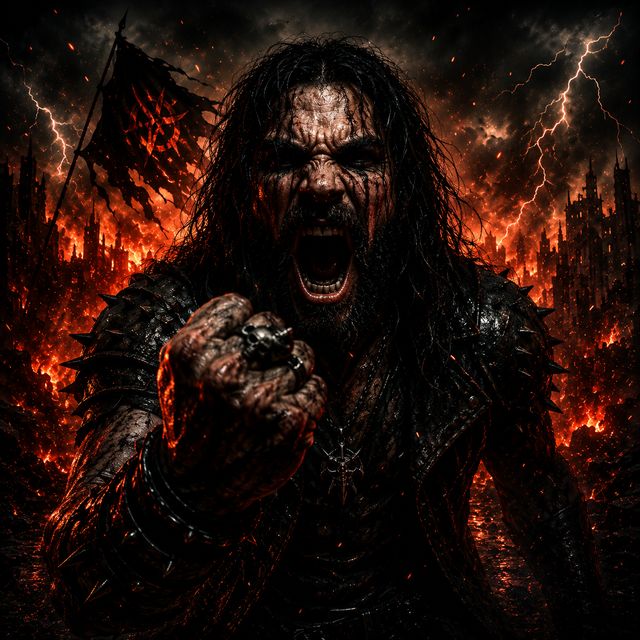
- Remember My NameHeavy metal · 3:48Picked
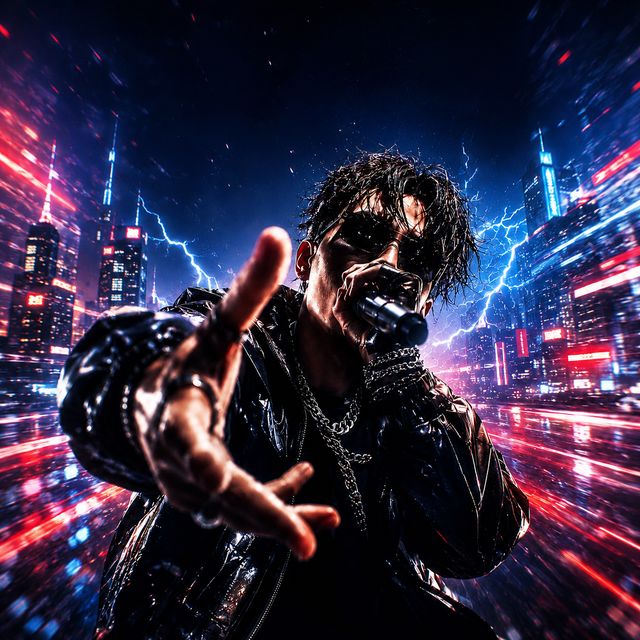
- Move Like LightningFast rap · 2:20Pick
- Stadium NightsFootball anthem / Afrobeat · 3:32Pick
Why Make Music Videos with Song Go?
No editing needed
No video app, no stock footage: your song and cover become a video in one click.
Synced to the music
The visuals move with the rhythm of the song instead of sitting there as a still image with audio.
With your name
Show your own name or artist name in the video and make the song truly yours.
Very affordable
A music video costs just 17 AI Usage, and you can recreate it for the same song any time.
Where to Use an AI Music Video
Instagram and TikTok
Show off your song with a visual post instead of a plain audio file.
Song gifts
Send a birthday, anniversary or wedding song as a video on WhatsApp so it plays the moment they open it.
YouTube channels
Running a channel with your AI songs? Make a quick video for every track.
Events and presentations
Play the song you made for a company event or school show on screen with its video.
AI Music Video at a Glance
| Cost | 17 AI Usage per video |
|---|---|
| Format | MP4, full song |
| Visuals | The song’s cover art, moving in sync with the music |
| Name on video | Optional; small songgo.app mark at the bottom |
| Time | Usually a few minutes |
| Download | MP4 on Starter and Pro plans |
Last updated:
AI Music Video FAQ
How do I make a music video from a song?
In the Song Go studio, open the song’s ••• menu in your Library, choose Make a music video, optionally type your name and press Create video. The MP4 is ready in a few minutes.
How much AI Usage does a music video cost?
Each video costs 17 AI Usage.
Can I download the video?
Yes, as an MP4 on the Starter and Pro plans. On the Free plan you can watch it in the studio.
What does the video show?
The song’s cover art moving in sync with the music, the song title, your name if you add it, and a small songgo.app mark at the bottom.
Can I post the video on social media?
Yes. Commercial use (brand accounts, ads, monetized channels) needs a Starter or Pro plan; personal posts are fine on any plan.
More tools
Extend Song
Continue your song from any second
Explore →Replace Section
Regenerate just one part of your song
Explore →Persona
Keep a voice and style across new songs
Explore →
AI Song
Turn one sentence or your own lyrics into a full song with vocals.
Explore →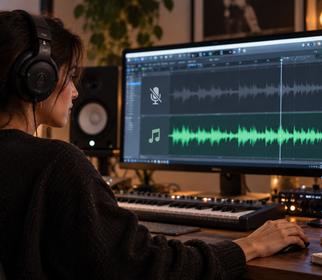
Vocal Remover
Split any song into vocals and music, or into 6 instrument stems.
Explore →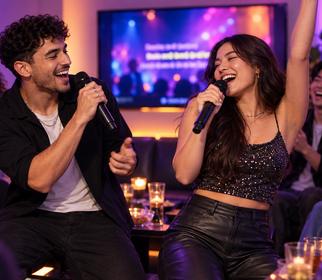
Karaoke
Turn any song into karaoke with word-by-word synced lyrics.
Explore →
Change Style
Keep the melody, change the genre and the vibe.
Explore →
Add Vocals & Music
Add AI vocals to your instrumental, or music to your vocals.
Explore →Let People See Your Song
Pick a song from your library and get a share-ready video in a few minutes.
Start free