 Türkçe
 English
 Português
 Polski
 Español
 Magyar
 Deutsch
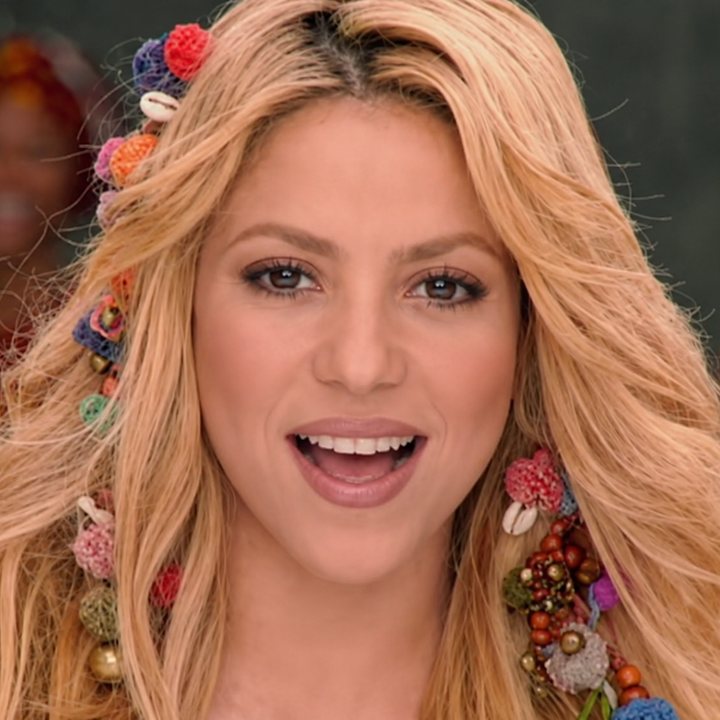 Original
Waka WakaShakira
0:000:51
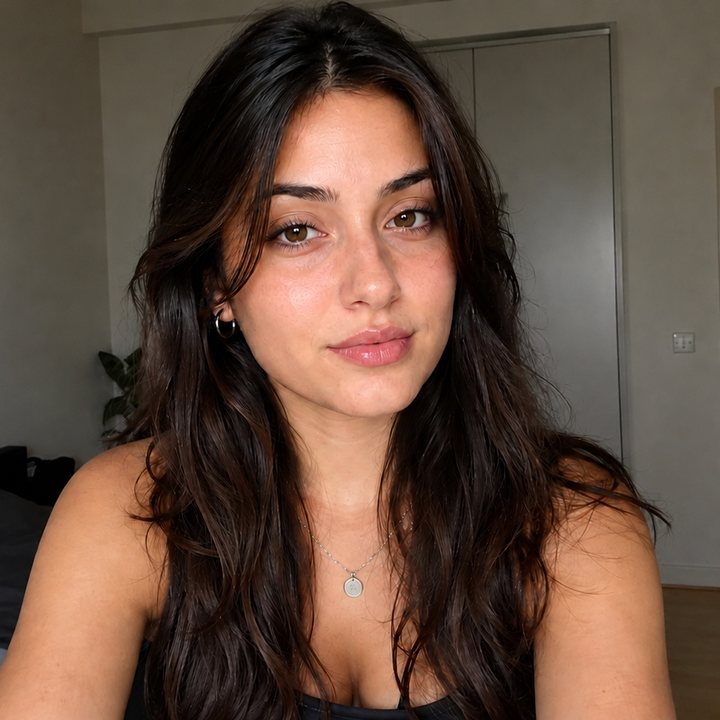
An AI cover is a song sung again in a different voice, and with Song Go that voice is yours. Add your voice once (5–12 minutes of recording is enough), then upload a song or paste a YouTube link. Song Go separates the vocals, swaps in your voice and mixes it back. Listen below to Waka Waka in Emily’s voice.
Only upload audio you own or have the right to use. Uploading, publishing or selling someone else’s copyrighted songs without permission is not allowed; the uploader is responsible.
Left: Shakira’s original recording. Right: the same song turned into Emily’s voice. Emily only added a few minutes of her voice; Song Go did the rest.
OriginalAI CoverShared with the voice owner’s permission. The original is a short excerpt for comparison.
A quiet room and headphones work best.
Stop recordingNot a stock AI voice: a personal voice model trained on your own recordings.
Add your voice once, then use it on as many songs as you like. Adding a voice costs no AI Usage.
With the pitch control (−12 to +12 semitones), sing a female song with a male voice or the other way around.
No file? Just paste the song’s YouTube link.
Shape the result with voice similarity, vocal and music levels, reverb and more.
On Pro, 1 to 4 voice models depending on your plan: your own voice or friends who gave you permission.
| Voice recording | At least 30 seconds, best 5–12 minutes (up to 12 minutes) |
|---|---|
| Voice model | Prepared once in 10–20 minutes; costs no AI Usage |
| Song | File, YouTube link or your library; up to 7 minutes |
| Result | The song sung in your voice, MP3 |
| Voice models | 1–4 on Pro, depending on your plan |
| Cost | 100 AI Usage per cover |
| Plan | Pro |
Last updated:
An AI cover is a song whose vocals are sung again in a different voice. On Song Go that voice is yours: a personal voice model is made from your recordings, the song’s vocals are converted to it and mixed back with the music.
Open AI Cover in the studio, add your voice with “Clone a new voice” and wait until it’s ready. Then upload the song or paste a YouTube link, pick your voice and press “Create cover”. The result arrives within minutes.
At least 30 seconds, but for the best result we recommend 5–12 minutes of clean audio: only your voice, no music, no echo. Singing works better than speaking.
Only with clear permission from the person. You confirm this when adding a voice; using someone’s voice without permission breaks our terms.
AI Cover is part of Pro. You can create 1 to 4 voice models depending on your plan; adding a voice is free and each cover costs 100 AI Usage.
The voice in the cover is yours, but the song’s lyrics and music belong to their rights holders. Beyond personal use, get permission from them before sharing or releasing it.

Turn one sentence or your own lyrics into a full song with vocals.
Explore →
Split any song into vocals and music, or into 6 instrument stems.
Explore →
Turn any song into karaoke with word-by-word synced lyrics.
Explore →
Keep the melody, change the genre and the vibe.
Explore →
Add AI vocals to your instrumental, or music to your vocals.
Explore →